home  
 
Free Catalog
Shop By Category
Shop By Brand


Barcode Printers

Browse:
Best Price

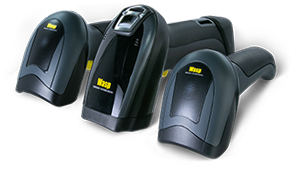
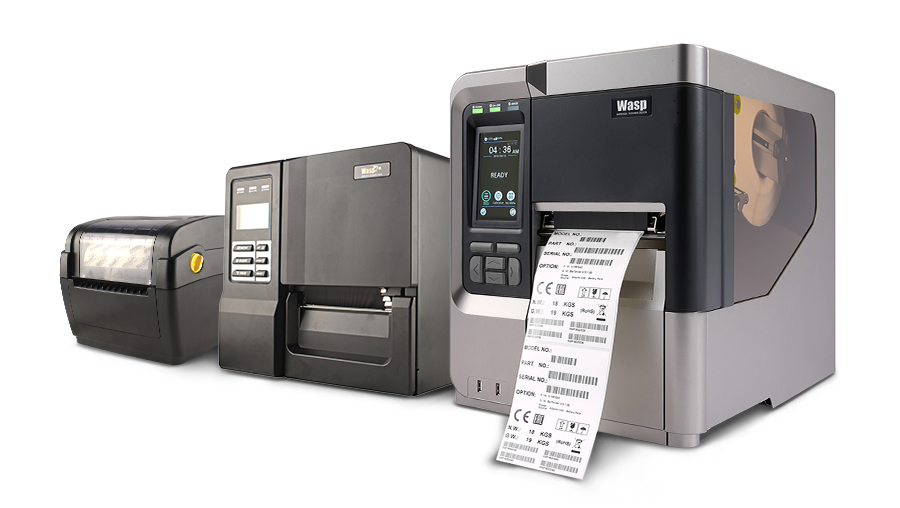
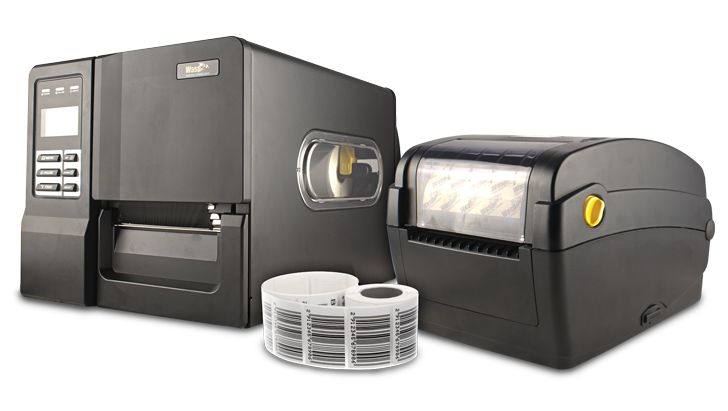
System ID Warehouse offers the largest selection of barcode printers in the industry and has the expertise and barcode printer certifications to support every sale. We carry a full line of Zebra Barcode Printers, Intermec Barcode Printers, Datamax Barcode Printers, Wasp Barcode Printers and many more. Depending on your application, Desktop Barcode Printers, Light Industrial Barcode Printers, Industrial Barcode Printers, Mobile Barcode Printers or ID Card Printers may work best. Call our certified barcode printer experts assist you today in selecting the right fit for your application.

Zebra barcode printers Datamax barcode printers Intermec barcode printers Wasp barcode printers


Barcode Printers 101

ROI whitepaper l Barcoding 101 whitepaper

Direct Thermal vs. Thermal Transfer Printers


Thermal Transfer Barcode Printers

thermal printers

Thermal Transfer Barcode Printers use a high carbon, thermal transfer barcode ribbon which passes between a print head and barcode label. The heat from the print head causes the barcode ribbon's ink to be released and bind to the barcode label. Thermal transfer is the most effective way of producing rugged, long lasting barcode labels.

Direct Thermal Barcode Printers

direct thermal printers

Direct Thermal Barcode Printers do not use barcode ribbons. A heat sensitive barcode label comes into contact with a print head and causes the paper to turn black similar to a fax machine. Direct thermal paper is sensitive to heat and sunlight and therefore is recommended for indoor, general purpose barcode labeling. The indoor life expectancy of the direct thermal barcode label is approximately 12 months.


What Type is Right for my Application?


Desktop Barcode Printer

Desktop Barcode Printers

Desktop barcode printers are ideal for applications where space and budget are limited. They have a compact design that fits neatly on your desk, countertop, or POS station. Desktop barcode printers work best with paper labels and tags which are larger than 1.5" x 0.5". A barcode label printer is also the perfect choice for printing vinyl jewelry labels. A desktop barcode printer can print on other synthetic materials, but in limited quantities.


Light Industrial Barcode Printer

Light Industrial Barcode Printers

virtual tour

A Light industrial barcode printer can handle a wide variety of media sizes, from very small serial labels on cell phone components to very large chemical drum labels. They can also handle a wide variety of media types, from basic paper to synthetics that are flexible enough to wrap around a vial or durable enough to withstand extreme weather conditions outdoors. With faster processors and built-in memory, Light Industrial barcode label printers are able to handle more complex label designs quicker than a desktop barcode printer. Light Industrial barcode printers may not be suitable for the most demanding barcode printing environments.


Industrial Barcode Printer

Industrial Barcode Printers

virtual tour

Designed for 24-hour workloads, industrial barcode printers offer rugged construction that will withstand the most demanding environments. An all-metal frame makes this printer ideal for high volume warehousing applications. In addition to offering 203 and 300 dpi models, industrial barcode printers are also available with a 600 dpi print head, for intricate labels with graphics or high-density barcodes. Industrial barcode printers are recommended when printing more than 6 hours per day, and can operate in thermal transfer or direct thermal printing mode.


Portable Barcode Printer

Mobile Barcode Printers

virtual tour l whitepaper

For businesses that require printing on the go, mobile barcode printers are the ultimate solution. Available in direct thermal only, the mobile printer offers 203 dpi print resolution. Mobile barcode printers will communicate through radio frequency or Bluetooth technology, in addition to offering standard cable connectivity. Print widths range between 2 and 4 inches. Whether you are in need of mobile printing inside the four wall our outside the four walls, mobile barcode printers can increase efficiency and worker productivity in your application.


What is DPI?

203dpi 300dpi 400dpi 600dpi

A Barcode Printer's DPI (Dots per Inch) is critical when printing very small or very detailed barcode labels. 203 DPI is the minimum resolution for barcode printers. 203 DPI is used in 90% of all barcode printer applications, from printing Asset Barcode Labels to Inventory and Shipping Barcode Labels. Applications requiring higher DPI’s would be printing Logos, Retail barcode labels and 2D barcode labels. If you need a higher resolution printer, you have options from 300 DPI, 400 DPI all the way up to 600 DPI. Please call a System ID barcode printer specialist to help you find the right printer for your application.


Barcode Printer Options

There are many Barcode Printer Options that are available to meet your application needs (for example, if your labels will be printed in one location and then distributed to different locations to be applied, consider purchasing a barcode printer that offers a rewind option). Here is a list of some of the most common barcode printer options that are available.

  • Label Peel: For demanding barcode label applications, each barcode label is printed, peeled and ready to apply. Some barcode printer models will take up the excess backing and rewind to a spindle.
  • Cutter: For applications requiring cut barcode labels either sets of preformed labels/ tags or variable length labels from continuous barcode media.
  • Media Rewind: Internal or external option to rewind the full barcode label roll while media is printing. Ideal for applications where barcode labels are printed in advance and stored for multicolor passes. Some internal rewinders double as a line/backing rewinder in applications using the peeling option.
  • Memory: Store longer label formats, multiple label jobs or detailed graphics with memory expansions.
  • Unwinder: Used with larger rolls of stock. Normally, mounted behind the printer, labels are fed through a rear opening in the printer.

Do I need Barcode Label Software to Generate a Barcode Label?


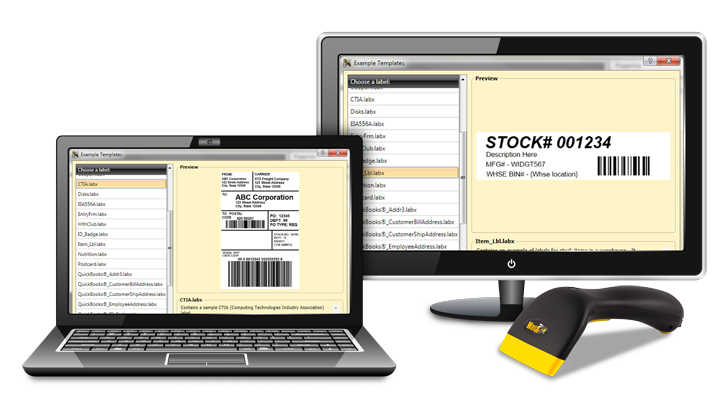
Barcode Labeling software for the most part is separated into two distinct categories: off-the-shelf and custom. Off-the-shelf programs are generic applications that produce labels on demand. There are many DOS and Windows applications that allow custom labels to be generated on demand using WYSIWYG (What You See Is What You Get) interfaces. These barcode labels are generally produced off-line and do not need to be created from the host program. This software is available for dot matrix, laser, and thermal printers. If it is necessary to integrate barcode printing with your current applications, consider custom or "on-line" program callable printing.

Program callable printing generates labels through custom programming usually requiring simple modifications to your existing software. Printing directly to either a thermal transfer or direct thermal barcode printers requires a basic knowledge of the syntax of the printer commands used to format the label. Usually, each manufacturer has a different command set and among them some instruction sets are much easier to use and are more robust.


Barcode Printers: What Type of Connectivity is Available?

whitepaper

Windows Barcode Printer Drivers

Historically, nearly all thermal transfer and direct thermal barcode printers have utilized proprietary, programming languages to “drive” the barcode label printer. This responsibility typically required a programmer to either modify or generate host code. In comparison to the tools that are available today, changes were relatively difficult to make since every change to the label required a programming change. In addition, the label program was specific for the printer since each manufacturer had a different programming language. Most label manufacturers today support Windows print drivers which are similar to the Windows print drivers for a dot matrix printers. There are many advantages of using a Windows print driver for a label printer.

  1. any Windows application can print to the printer
  2. any user can make changes to the label, and (3) the application is not tied to a specific printer.

Unfortunately, some manufacturers do not provide Windows print drivers at this time, but most will have them available in the near future. Certainly, there are benefits with the traditional approach. Printing speed is the primary advantage. If a label printer was purchased to print only one or two labels at a time, then programming the print language direct would increase performance substantially because only a stream of printer commands (or codes) are passed through the parallel or serial line as opposed to an entire image of label. An image file can easily be over one megabyte in size and thus take longer to transfer than a stream of several hundred characters. Most label print drivers, however, support an option to generate copies of a label so that the label image is initially transferred only one time, loaded into the printer memory, and extracted from memory to generate the specified number of copies. Obviously, this is much more efficient and the way most label printers are currently designed today.

In summary, if the label printer must create distinct labels on every label run (e.g. one-up-number to serialize a product), make sure that your application directly utilizes the programming print language. There are some software applications that do this very thing, however, they are generally very expensive. Eventually, these programming languages will no longer be supported as new printers are introduced into the market. There are even some label printers today that only support Windows print drivers.


Barcode Verification

Barcode printer verifiers make sure that the barcodes that are printed are readable, have good contrast, and comply fully with the parameters of the barcode symbology. Barcodes are typically verified using an “A” to “F” or PASS/FAIL grading system.

Verifying the quality of readability of your barcode labels is essential when you are printing new packaging or barcode labels for a product you are shipping to some retail outlets or distributors. A non-readable barcode Label could mean fines or return of the entire product lot.


*All information on this page is the copyright property of System ID Warehouse and cannot be reproduced without the expressed written consent of System ID Warehouse. Copyright ©2001.


Barcode Supplies and Labels Barcode Maintenance Barcode Printers product cleaning supplies